A better record starts out there.
01 / Your first inspection
A useful record, saved on site.
Start with the required notes, add optional photos or a voice note, and save a record you can revisit from the inspections list.
Operator sign in- 01
Start or return
Choose New walk-through to begin with notes, or open a saved row to return to that inspection record.
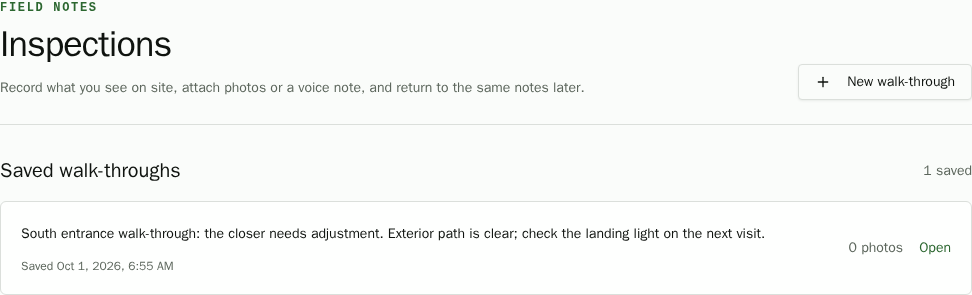
Illustrative example · synthetic inspection details - 02
Capture what you notice
Notes are required; up to 10 photos and one voice note are optional. Record audio with microphone access for up to two minutes. Put details like “South entrance” in the notes; there is no separate property field. If microphone access is denied, you can still save notes and photos.
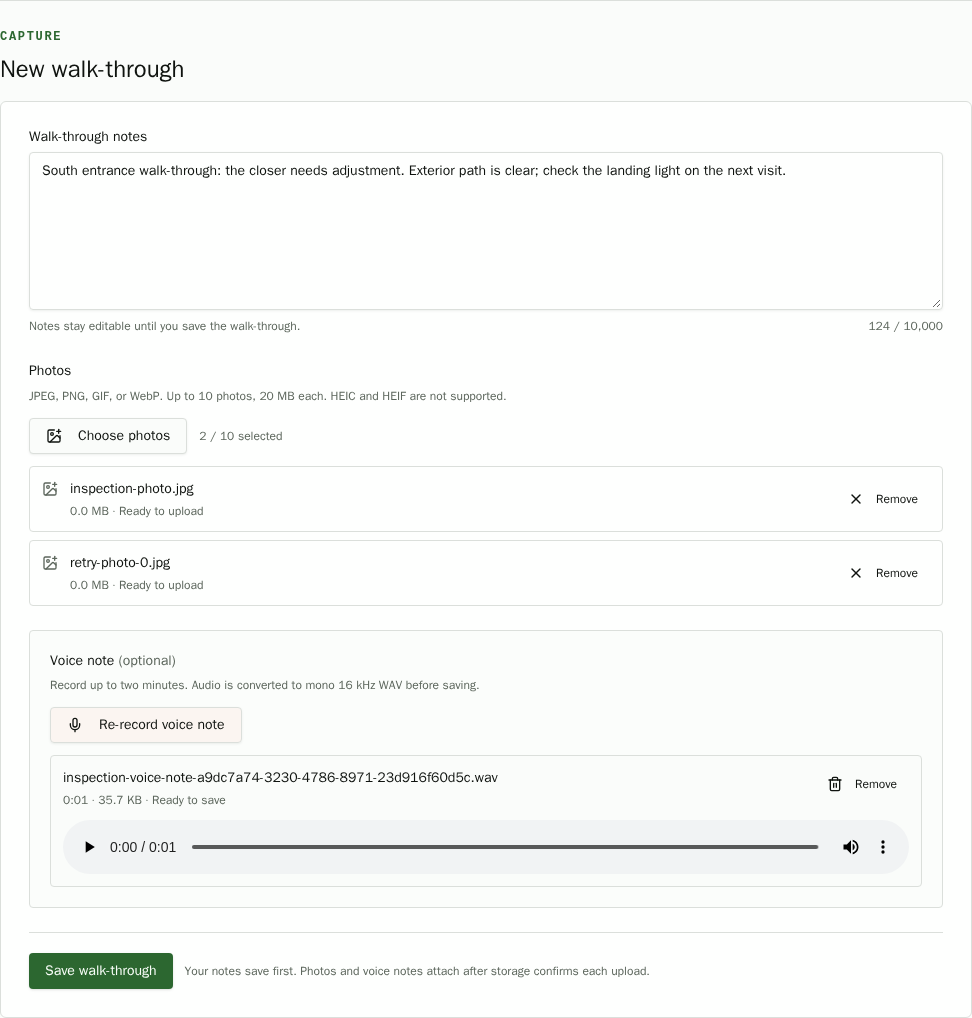
Illustrative example · synthetic inspection details - 03
Save and revisit
Saving opens the record, which you can reopen from the inspection list. Photos and playable voice audio stay with its notes. Choose General inspection or Property manager to generate an editable report from the saved notes, voice note, and photos. Edit and share it when you need to follow up.
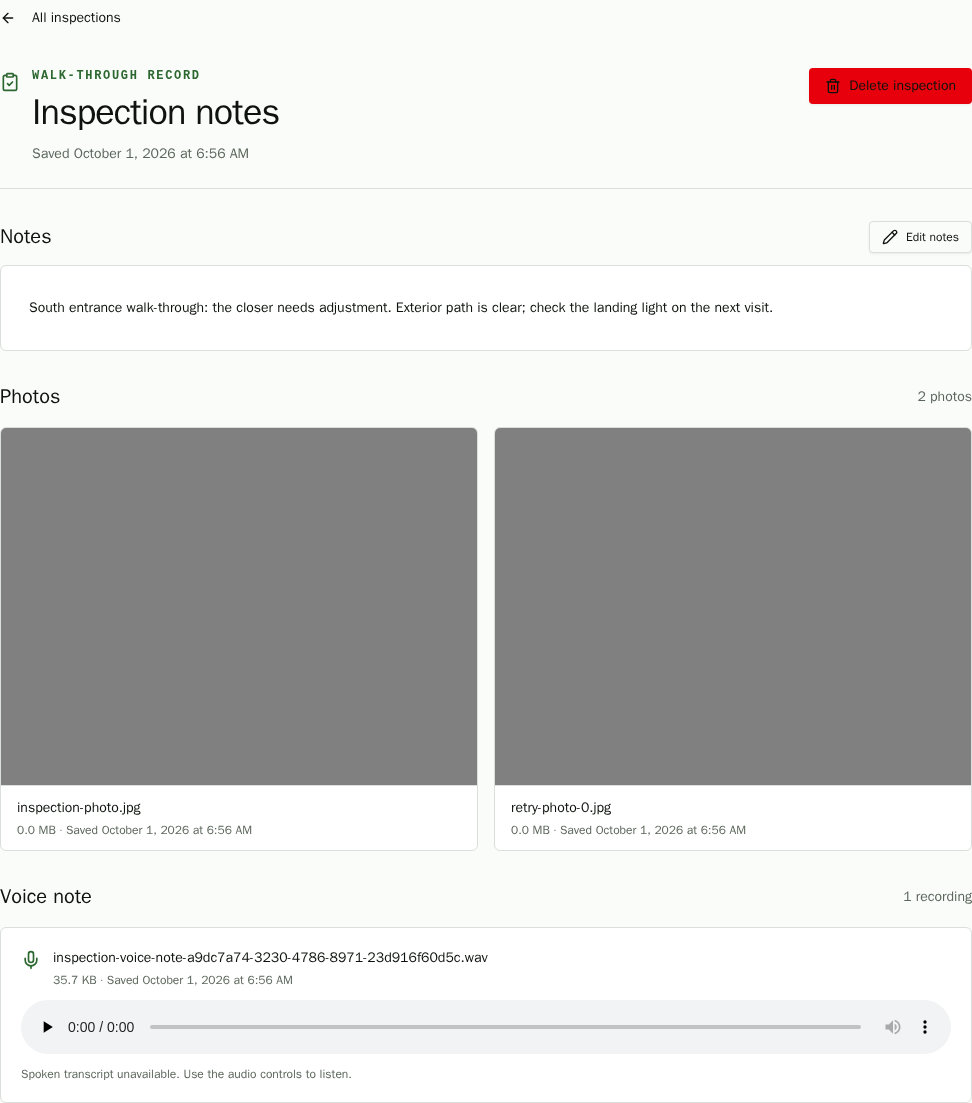
Illustrative example · synthetic inspection details
02 / For the people responsible for follow-up
Clear records for the places people count on.
Fieldmote is made for property managers, HOA teams, and local operators who need a consistent way to document conditions and share what needs attention.
- 01Property management
- 02HOA operations
- 03Local service teams
03 / Start a conversation
Spend less time rewriting. Get back to the property.
Tell us what your inspection reports need to capture.